Guide
Add AI Brief to Apple Podcasts
Use your private feed link to listen to AI Brief in Apple Podcasts.
- Copy the complete feed URL for your chosen podcast language from AI Brief.
- On iPhone, open Apple Podcasts, go to Library, then tap More (…).
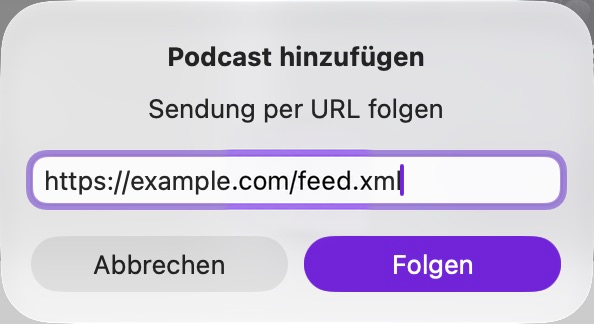
- Tap Follow a Show by URL and paste the complete URL.
- Tap Follow.
In Apple Podcasts, choose File → Follow a Show by URL, paste your feed URL, then click Follow.
Updated: 3 November 2026. Apple help
Use another podcast app